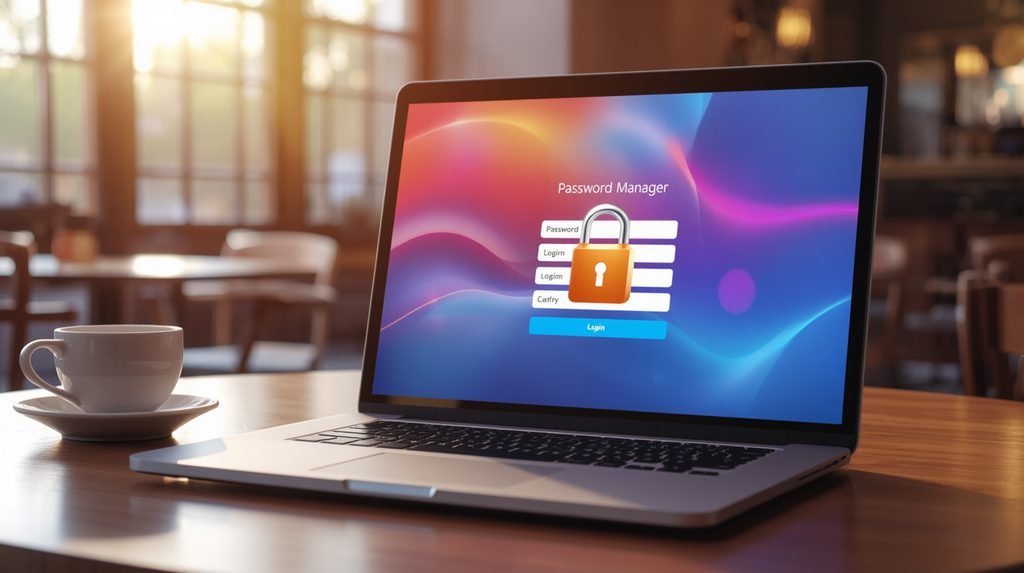
In our two-factor authentication guide, we mentioned in passing: “use a password manager — which you should.” This is the follow-through. Because here’s the arithmetic nobody escapes: the average person has around 100 online accounts, and reuses 3–4 passwords across all of them. Which means one breach at one company you forgot you had an account with… hands strangers the key to your email, your banking, and your life.
A password manager fixes the math: one strong password you memorize, and a hundred unique 20-character monsters you never see. Setup takes one evening. Here’s exactly how.

- High-Performance DUO Take your productivity further in Windows 11 with the 16-core Intel Core Ultra 9 Processor 386H, de…
- AI That Works Supercharge your productivity with 50 TOPS on Copilot, giving you instant file retrieval, quick summaries,…
- Transforms in Seconds Switch modes fast with a magnetic keyboard and integrated kickstand. Move from dual-screen product…
Step 1: Pick your tier (2 minutes).
Three honest options:
- Built-in and free: iCloud Keychain (Apple households) or Google Password Manager (Android). Zero effort, syncs across your devices, autofills everywhere. For most people, honestly, this is enough.
- Free and universal: Bitwarden — open source, free tier covers everything a normal human needs, works on every platform and browser. The pick if your household mixes Apple and Android, or if you might switch teams someday.
- Premium (~$10–36/year): Bitwarden paid or 1Password — family sharing, emergency access, nicer apps. Worth it for families; not required.
Step 2: Create the vault with THE passphrase.
This master password is now the only password you’ll memorize — so make it strong and memorable: four or more random words beat symbol soup. Correct-horse-battery style. Write it on paper that night (not in a note on the phone it unlocks — that’s hiding the key inside the safe).
Step 3: Protect the vault itself.
Turn on two-factor authentication on the password manager. The vault guards everything else; guard the vault. (Which kind of 2FA to choose and why — the full ranking is in our 2FA guide.)
Step 4: The migration — lazy by design.
Don’t sit down to “redo all my passwords” tonight. That’s how people quit. Instead:
- Export your browser’s saved passwords and import them into the manager (every browser has this in settings; every manager has an import).
- From now on, whenever you log in anywhere, the manager offers to save or update. Let it. Over a month, your vault fills itself.
- Priority-fix these five first, in order: email → banking → payment apps → shopping → social. Email first, always — it’s the master key to every reset.
Step 5: Run the audit during TV time.
Every manager has a “weak/reused passwords” report. Work the list gradually — five accounts a night during commercials. Within a month, the report runs clean and your reuse era is over.
The hidden superpower nobody mentions:
Password managers only autofill on the real domain. When a phishing page at paypa1-secure.com asks for your PayPal login, your vault stays silent — because it doesn’t recognize that site as PayPal. It just sits there, refusing to participate in the scam. It’s a bodyguard that checks IDs at the door. (How those fake pages get built in the first place — we dissected one line by line here.)
- The Most Powerful DUO Take your productivity further in Windows 11 with the 16-core Intel Core Ultra X9 378H, delivering…
- AI That Works As a Copilot+ PC with up to 50 TOPS, the DUO supercharges productivity with instant file retrieval, quick …
- Transforms in Seconds Switch modes fast with a magnetic keyboard and integrated kickstand. Move from laptop mode to dual…

- What’s In The Box: ASUS Zenbook Duo Laptop, 1TB Portable Hard Disk Drive.
- Multi-Screen Versatility — Find the mode that best suits your task and seamlessly switch between them. Expand your works…
- Everything-Built-In Portability — At 3.64 lb and a mere 0.57” thin, the DUO elevates portable dual-screen setups to the …

- DUAL-SCREEN ADVANTAGE – Enjoy a spacious workflow with a two 16-inch touch screen, 3K OLED ROG Nebula Display HDR that k…
- 5 MODES THAT MATCH WHATEVER YOU DO – Switch between laptop, dual-screen, book, and sharing so you can game, work, stream…
- POWER TO GAME AND CREATE – An Intel Core Ultra 9 386H processor with 16 cores, an NPU of 50+ TOPs, and NVIDIA GeForce RT…
Three objections, three honest answers:
“All my eggs in one basket?” — The basket is zero-knowledge encrypted: even the company running it cannot read your vault. A breach of their servers yields ciphertext. Meanwhile, your current system hands every website on earth a copy of the same key. That’s the real basket risk.
“What if I forget the master password?” — The paper from Step 2. There’s no recovery email for a vault (that would defeat the point) — the paper IS the recovery.
“What happens when I die?” — Grim, but plan it: premium tiers have emergency-access features; or the paper lives with your other documents. Someone will need the accounts. This is the one password with real heirs.
Fifteen minutes tonight. A hundred unique passwords by New Year. It’s the highest-leverage security upgrade that exists — and unlike your passwords, you only have to do it once.
Disclosure: This post contains affiliate links. If you click through and make a purchase, we may earn a small commission at no extra cost to you. We only recommend products we genuinely believe offer great value.