Picture this: You finally sit down on the couch to watch a movie in 4K. You press play, and the dreaded “Buffering…” circle appears on your screen. Meanwhile, your kids are in the bedroom complaining that their video game is lagging.
You call your internet provider (like Comcast or Spectrum). They happily inform you that for a “Wi-Fi optimization fee” of $100, a technician can come out next Tuesday. Oh, and they also remind you that you are paying $15 a month to rent their outdated, cheap router.
The internet provider industry relies on your technological ignorance. They provide you with a weak, single-point router, charge you a perpetual rental fee for it, and then charge you again to fix the dead zones it creates. You don’t need to pay a technician to fix your Wi-Fi. You just need to understand how radio waves work. Here is the dirty truth about home internet, and how to get blazing speeds on a budget:
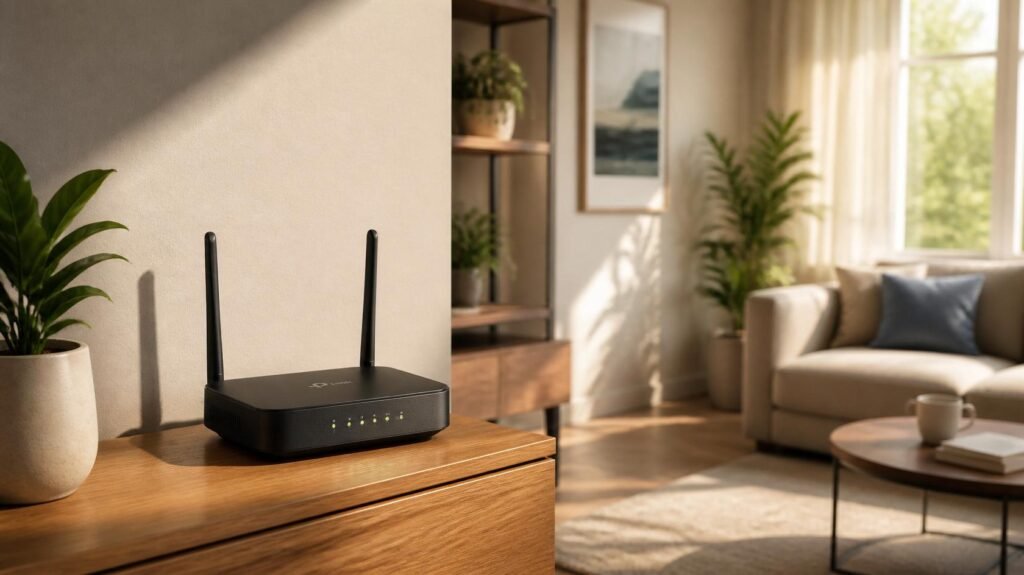
The “Router in the Corner” Mistake The biggest reason your Wi-Fi is slow is router placement. People hide their router in a metal cabinet in the corner of the house, next to the microwave.
- The Free Hack: Radio waves travel outward and downward. Move your router to a central location in the house, elevated on a shelf. Keep it away from thick brick walls, metal appliances, and fish tanks (water absorbs Wi-Fi signals). Simply moving the router to a better spot can double your speed instantly.
- The Extra Benefit : Getting the router out of the cabinet prevents it from overheating. A cool router lasts years longer, meaning you won’t have to buy replacement hardware as often, and your internet won’t randomly drop out during important Zoom calls.

- AX3000 WiFi 6 Router for Home Internet: Enjoy AX3000-class WiFi 6 performance with up to 2402Mbps on 5GHz and 574Mbps on…
- Visit lnnnetlink.net for Easy 5-Step Setup — No App Required Just follow these 5 steps: Step 1: Connect the power adapte…
- Everyday Multi-Room WiFi Coverage: Five external antennas and Beamforming help support stable WiFi in common home areas …
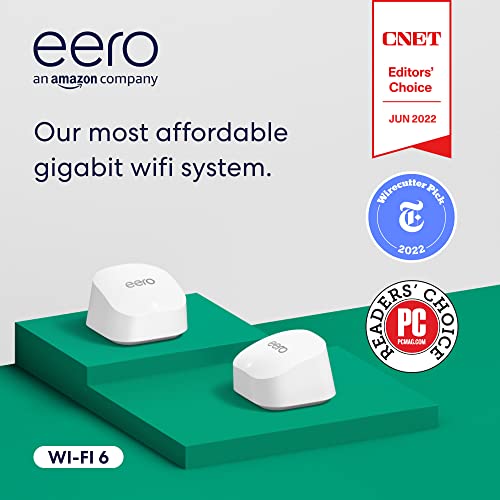
- 2-PACK BUNDLE – A Certified Refurbished Amazon eero 6+ mesh Wi-Fi router is refurbished, tested, and certified to look a…
- A GIGABIT SPEED ROUTER, FOR LESS – Supports wifi speeds up to a gigabit, without the premium price tag. eero 6+ is our m…
- WI-FI 6 GETS A BOOST – eero 6+ supports additional wifi bandwidth on the 160 MHz radio channel (that’s just wifi talk fo…

- Dual band router upgrades to 1200 Mbps high speed internet (300mbps for 2.4GHz plus 900Mbps for 5GHz), reducing bufferin…
- Full Gigabit Ports – Gigabit Router with 4 Gigabit LAN ports, ideal for any internet plan and allow you to directly conn…
- Boosted Coverage – Four external antennas equipped with Beamforming technology extend and concentrate the Wi-Fi signals
The “Renting Your Router” Scam If you look at your internet bill, there is likely a line item for “Equipment Rental” costing $10 to $15 a month. Over three years, you will have paid over $540 to rent a cheap piece of plastic that belongs to the cable company.
- The Smart Fix: Buy your own modem and router. It costs about $80 upfront, but it pays for itself in 6 months. After that, you are saving $180 a year, every year, for the rest of your life. Plus, you can return the company’s equipment and stop paying the rental fee immediately.
- The Extra Benefit : Owning your own modem means the cable company cannot track your browsing habits through their hardware. Your network is private, secure, and you control who is on it.
The “Extender” Illusion (Why You Need Mesh) When people have a dead zone in the bedroom, they buy a $30 “Wi-Fi Extender.” Extenders are a scam. They repeat the weak signal, cutting your internet speed in half. You get signal, but it is agonizingly slow.
- The Smart Move: A Mesh Wi-Fi System is the ultimate cheat code. Instead of one weak router, you buy a 3-pack of small “nodes.” You place one near your modem, and scatter the other two around the house. They communicate with each other to create one massive, seamless bubble of high-speed internet. You can walk from the living room to the garage, and your phone switches nodes automatically without dropping the connection. It permanently kills dead zones. (If you want to see which mesh systems are easiest to set up without being a computer genius, check out our review of the best budget mesh wi-fi systems!)
- The Extra Benefit : A Mesh system comes with a powerful smartphone app. You can easily see exactly how many devices are connected to your network and pause the Wi-Fi to your kids’ devices at bedtime with the tap of a button. It gives you ultimate parental control for free.
The Bottom Line Stop paying $15 a month to rent a weak router and $100 for technician visits. Move your router, buy your own equipment, and upgrade to a mesh Wi-Fi system. You can get blazing-fast internet in every room of your house for a one-time fee.
Disclosure: This post contains affiliate links. If you click through and make a purchase, we may earn a small commission at no extra cost to you. We only recommend products we genuinely believe offer great value.