Every week, someone sells a phone online and hands a stranger their entire digital life: photos, logged-in banking apps, emails, and a Google account still attached. It takes one missed step — and the damage ranges from a locked phone the buyer can’t use (guaranteed refund demand) to actual identity theft.
The order of these steps matters. Do them out of sequence and you lose data or brick the sale. Follow the countdown:
Step 7 — Back up everything you’d cry about losing (BEFORE anything else).
Photos, videos, contacts, notes. Cloud backup or a computer copy — both is best. The classic tragedy: factory reset first, then remember the baby photos. There is no undo.
Step 6 — Migrate your two-factor authentication (the step 90% of people forget).
If you use an authenticator app for banking or email codes, MOVE IT FIRST. Authenticator codes are tied to the device. Reset the phone without migrating, and you may find yourself locked out of your own accounts with no recovery path. Every authenticator app has a “transfer to new phone” option in settings — use it. Also: update your recovery email and phone number on important accounts.
Step 5 — Sign out of EVERYTHING, starting with the account lock.

- This phone is unlocked and compatible with any carrier of choice on GSM and CDMA networks (e.g. AT&T, T-Mobile, Sprint, …
- Please check with your carrier to verify compatibility.
- When you receive the phone, insert a SIM card from a compatible carrier. Then, turn it on, connect to Wi-Fi, and follow …
This is the step that makes or breaks the sale:
- iPhone: Settings → your name → Sign Out (enter Apple ID password to disable Activation Lock). Skip this, and your iPhone stays locked to your Apple ID forever in the buyer’s hands — the #1 “I sold my phone and now the buyer demands a refund” story on the internet.
- Android: Remove your Google account BEFORE factory reset (Settings → Accounts). Modern Androids have Factory Reset Protection — reset with the account still signed in, and the phone demands YOUR password on the next setup. That’s an anti-theft feature working exactly as intended… on your buyer.
Also sign out of: banking apps, WhatsApp (it has its own logout!), social apps, and your company VPN/email if it was ever connected.
Step 4 — Unpair everything connected.
Smartwatch (an unpaired watch loses half its features), car Bluetooth, wireless earbuds, smart-home apps. Old devices haunting your account lists is a minor privacy leak and a major headache.
Step 3 — Eject the physical stuff: SIM card and memory card.
The SIM card is literally your phone number — forgetting it in a sold phone is a security incident, not an oops. The microSD card may hold photos you forgot existed.
Step 2 — The reset itself.
- iPhone: Settings → General → Transfer or Reset iPhone → Erase All Content and Settings.
- Android: Settings → System → Reset → Factory Reset.
- Laptop: Windows: Settings → System → Recovery → Reset this PC → Remove everything (choose the “clean the drive” option for extra security). Mac: sign out of iCloud and iMessage first, then erase the disk and reinstall.
After reset, confirm the welcome screen appears asking to set up as new — that’s your proof the locks are gone.

Step 1 — The resale polish (now maximize the money).
- Check battery health (iPhone: Settings → Battery → Battery Health). Above 85% is a selling point; below 80%, price accordingly — buyers check.
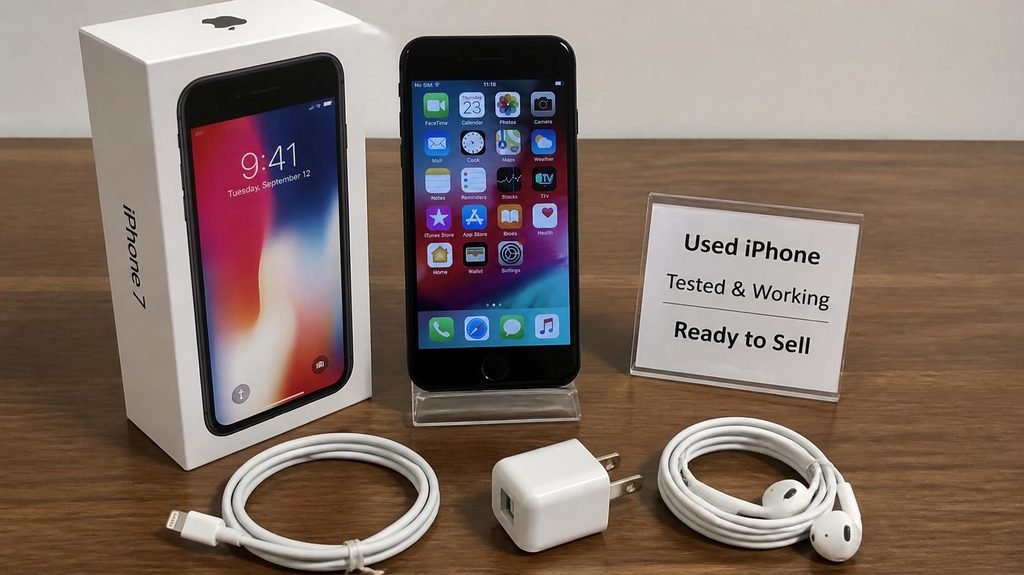
- Include the original box and cable if you have them: measurably higher resale.
- Take honest photos, list the storage size, and be upfront about scratches. Trust sells faster than perfection.
- Sell private for more money, or trade in for less hassle — do the math on both before choosing.
One last thought before you list it:
If your only reason for selling is that the phone or laptop got slow, know that many slow devices are one cheap fix away from feeling new again — and keeping a revived device is cheaper than any resale. We’ve covered the free 8-step revival checklist for laptops and the real reasons phones slow down. Sometimes the smartest sale is the one you don’t make.
Affiliate link — “Earns commission at no extra cost to you.