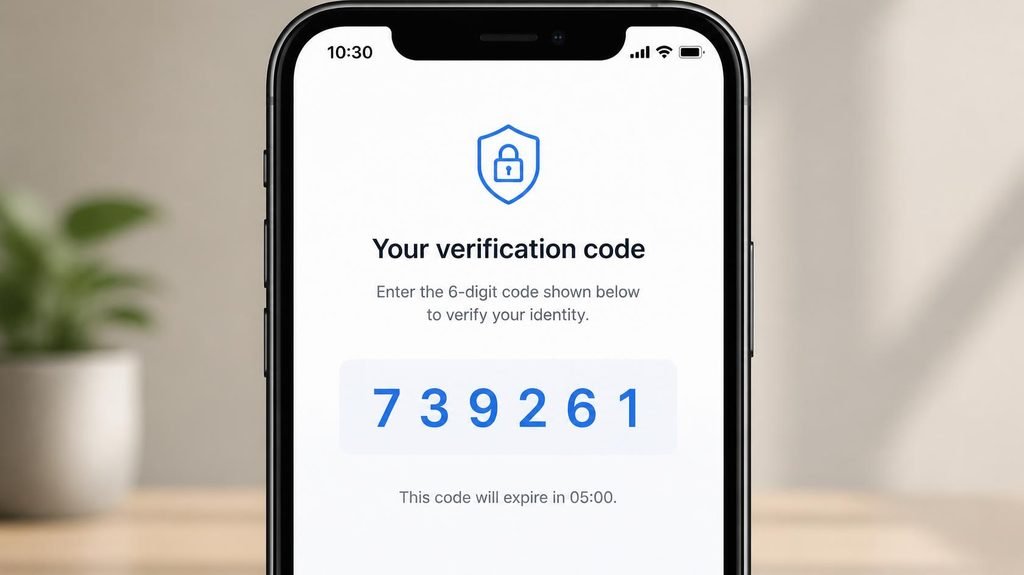
Your password is a single key. And single keys leak — constantly, in bulk, from breaches at companies you forgot you had accounts with. Those leaked passwords get loaded into bots that try them against every service on the internet, automatically, forever.
Two-factor authentication (2FA) is the answer to that world: a second lock that needs something other than the password — your phone, your fingerprint, a physical key. The password alone is no longer enough, which means a leaked password alone is no longer a disaster.
But here’s what almost nobody tells you: the three kinds of 2FA are wildly different in strength, and the one most people use is the weakest.

- 6.78 inches, LTPO AMOLED, 1B colors, 1080 x 2400 pixels
- 512GB Storage, 12GB RAM
- Android 15, Qualcomm SM8750-AB Snapdragon 8 Elite (3 nm), Octa-core (2×4.32 GHz Oryon V2 Phoenix L + 6×3.53 GHz Oryon V2…
The three kinds, ranked from weakest to fortress:
#3 — SMS codes (the default, and the weakest).
The code arrives by text message. It’s better than nothing — but it has two real weaknesses. First, SIM-swapping: criminals call your carrier, pretend to be you, and port your number to their SIM card. Your texts — including your codes — now arrive on their phone. It’s a well-documented attack against exactly the people who feel safe with SMS codes. Second, SMS codes pass through the phone network in ways that make them interceptable in bulk in some configurations.
#2 — Authenticator apps (the sweet spot).
Apps like Google Authenticator or Authy generate a fresh 6-digit code on your device every 30 seconds — no cell network involved, nothing sent to you to intercept, works in airplane mode. This is the level that stops the overwhelming majority of attacks, including SIM-swapping. Free, takes two minutes per account.
#1 — Hardware keys (the fortress).
A physical key (like the YubiKey line) that you plug in or tap. It’s built so that phishing pages mathematically cannot impersonate the real site to it. The choice of security professionals and crypto holders; overkill for most people, but genuinely phishing-proof in a way codes never fully are.
The 10-minute setup, tonight:
- Start with your email. This is the rule everyone gets backwards. Your email is the master key to everything else — every “reset password” link lands there. An email account without 2FA makes every other account weaker.
- Go to the account’s security settings → enable two-factor → choose “authenticator app” when offered (not SMS, when there’s a choice).
- Scan the QR code with the app. Done for that account.
- Save the recovery codes. The app shows you a set of one-time backup codes. Write them on paper or print them — this is the step everyone skips and everyone eventually regrets. Lose your phone without recovery codes, and you’re locked out of your own accounts; the recovery process can take days and sometimes fails.

- Attention-grabbing design meets the latest evolution of the Google Pixel Camera on the new Google Pixel 11 Pro; Gemini I…
- Unlocked Android phone gives you the flexibility to change carriers and choose your own data plan: Works with Google Fi,…
- Stay informed without looking at your screen: When your phone is face down, Pixel HiLight gently alerts you with subtle …
Three myths, three corrections:
“I’m nobody — nobody would target me.” You’re not being targeted; you’re being harvested. Bots don’t choose victims — they try every leaked password against every service, millions per hour. 2FA makes you the locked house on a street of unlocked ones. Thieves move on.
“I’ll get locked out of my own accounts.” Recovery codes exist for exactly this. And most services let you register a second factor as backup. The lockout fear is real only for people who skip step 4 above.
“I’ll be typing codes all day.” Modern services “remember” your usual devices. In practice, you see a code prompt mainly when signing in from somewhere new — which is precisely when you want the extra check.
What 2FA does NOT protect against (the honest fine print):
- Real-time phishing pages — a fake login page can relay your code to the attacker while you’re watching. This is why hardware keys beat codes, and why the four-question email scan in our phishing guide still matters. 2FA is a seatbelt, not immortality.
- A compromised device — if malware runs on your phone, it sees what you see. Keep your OS updated; a phone past its last security update is a phone with an open window.
- You, handing the code over. The scam script: a caller claims to be from the “fraud department,” says there’s suspicious activity, and asks you to read them “the code we just sent.” No legitimate company on Earth will ever ask you to read out a code or password. That request is the scam. Hang up.
If you only protect three accounts, protect these:
- Email (the master key)
- Banking / payment apps
- Your password manager, if you use one (which you should — it’s the only realistic way to have unique passwords everywhere)
Ten minutes, three accounts, one recovery-code printout. That’s the entire gap between “my leaked password is a crisis” and “my leaked password is a shrug.” Security isn’t paranoia — it’s arithmetic.
Affiliate link — “Earns commission at no extra cost to you.


